Smartphones
Slow Smartphone: How to Speed It Up Without Replacing It
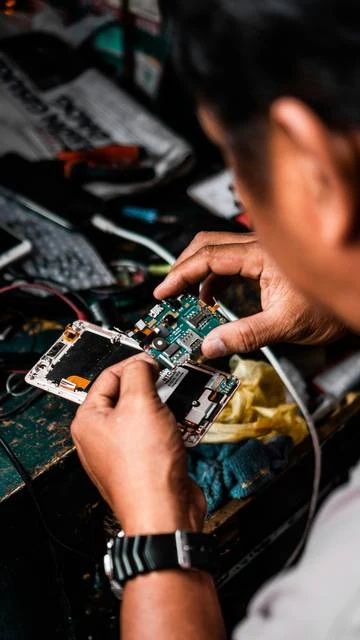
A slow smartphone can become comfortable to use again without being replaced. First, identify what is actually slowing it down.
Home / Blog
Tips · Bouinan, BlidaSimple explanations to help you understand a fault, carry out the right checks and know when to take your device to a workshop.
A slow smartphone can become comfortable to use again without being replaced. First, identify what is actually slowing it down.
A refurbished smartphone can be a good choice in Algeria if its condition, origin and terms of sale are clearly established.
Replacing a mechanical hard drive with an SSD can make a computer much more responsive. Whether it is cost-effective depends on its overall condition and compatibility.
After data loss, some actions reduce the chances of recovery. The right response is to limit writes to the affected storage medium.
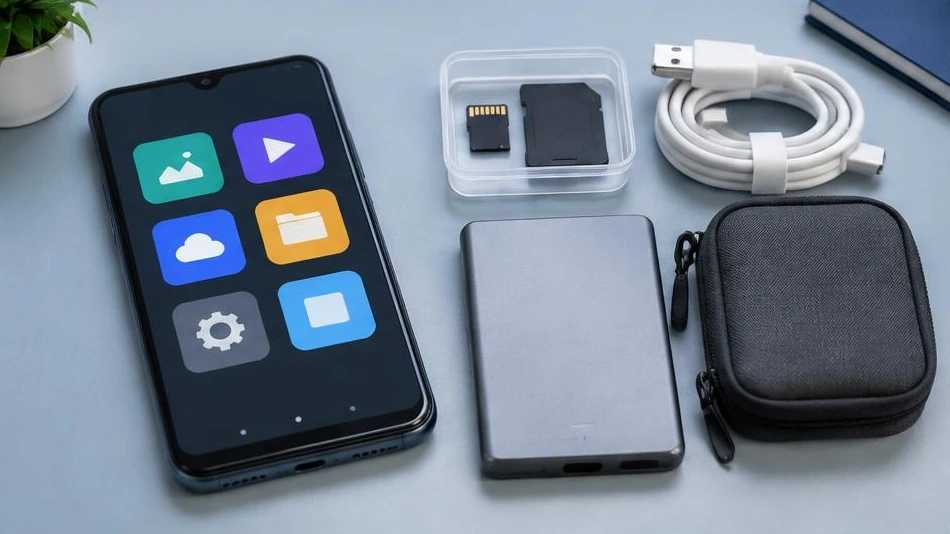
A simple, regular backup offers better protection than a copy made just once. Use several storage media and check that the files are readable.
The motherboard connects a device’s power supply and main components. A fault at this level requires diagnosis, as the symptoms can have several causes.
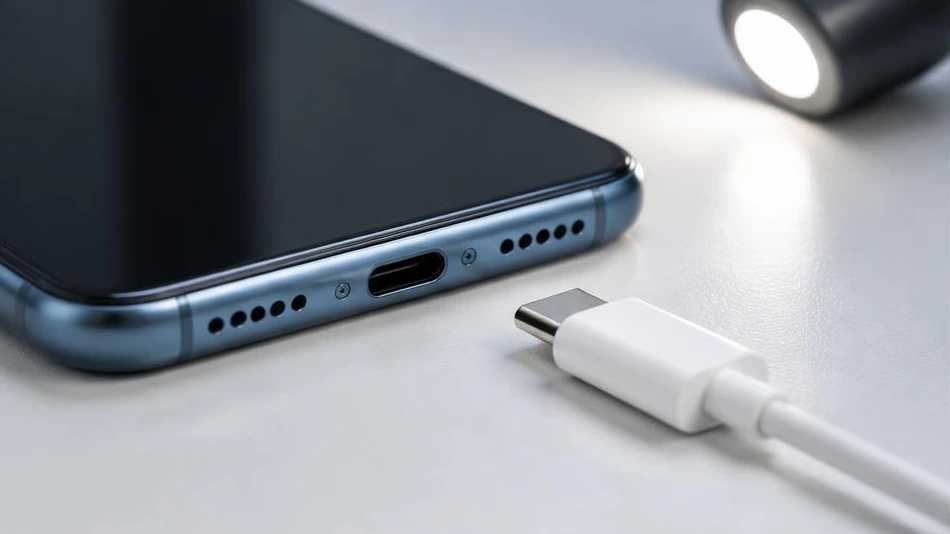
A phone that no longer charges does not necessarily have a faulty battery. Start with simple checks, without forcing the connector.
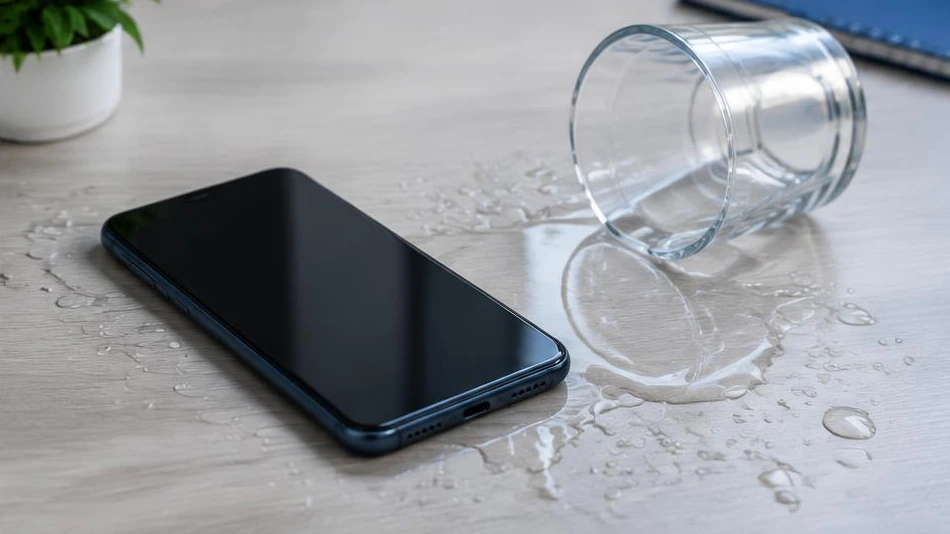
After contact with water, the priority is to cut off the power. Turning the device back on too soon can worsen electrical damage.
Deciding whether to repair or replace a device means comparing its condition, your needs and the overall cost. Age alone is not a sufficient criterion.
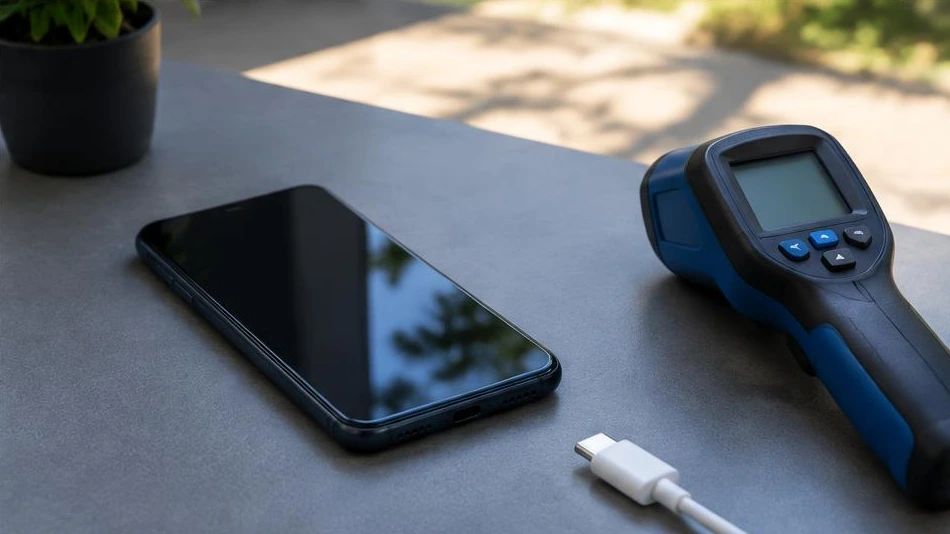
A phone can become warm while charging, gaming or using GPS navigation. Excessive or persistent heat deserves closer attention.
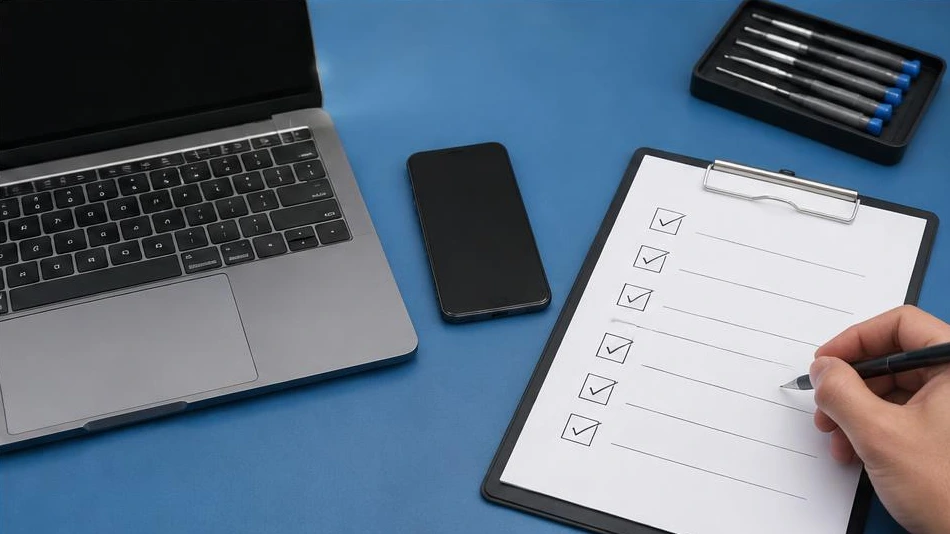
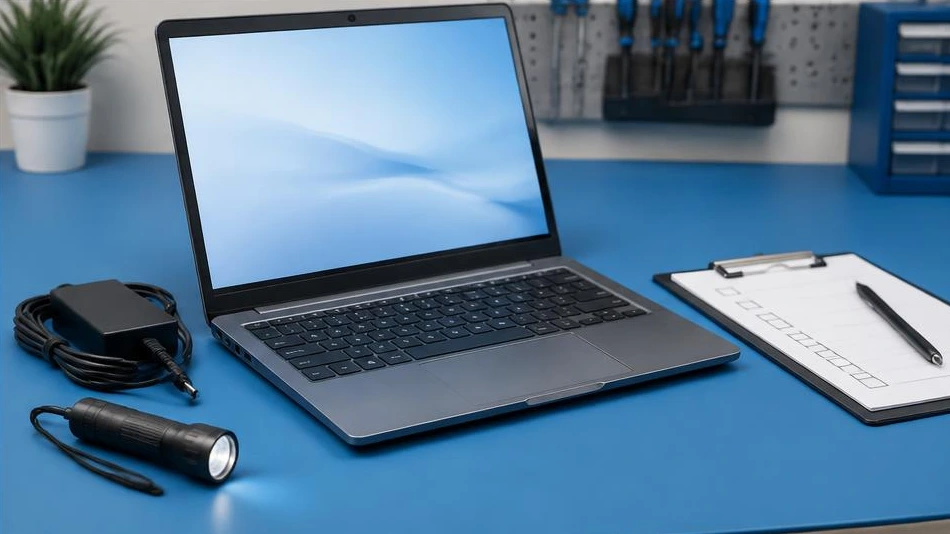
Before taking a slow laptop to a repair shop, seven checks can help distinguish a software overload from a hardware problem.
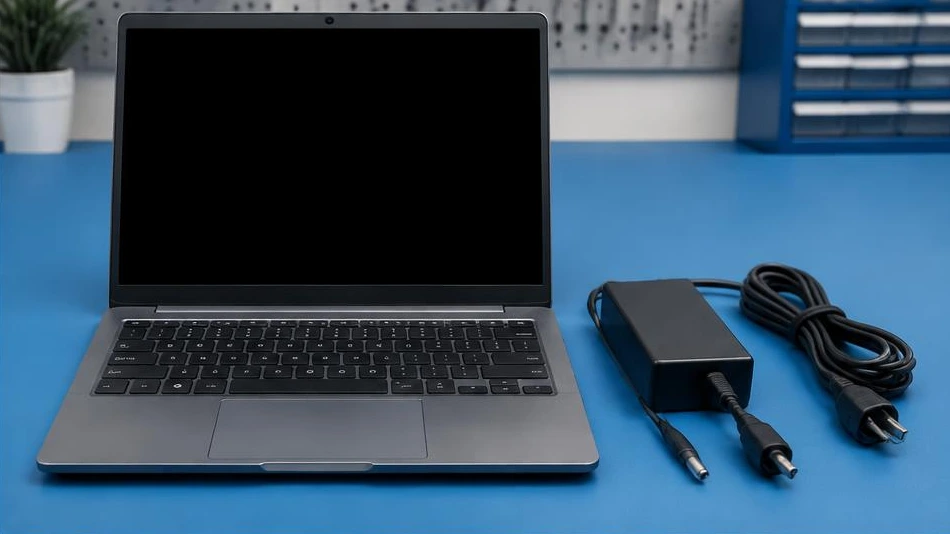
A computer that will not turn on may have a power, display or startup problem. The symptoms guide the initial checks.
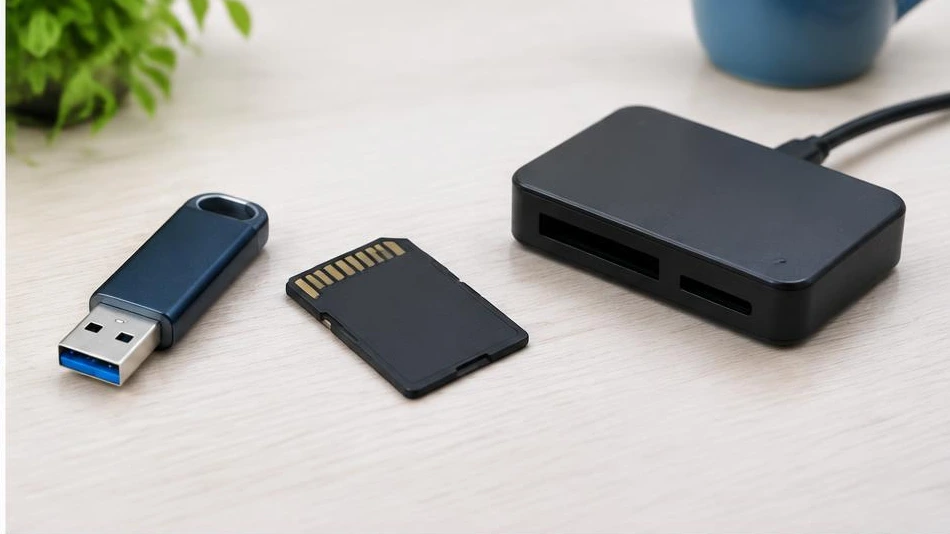
A USB flash drive or memory card that is not recognized is not necessarily empty. Do not format it if it contains important files.
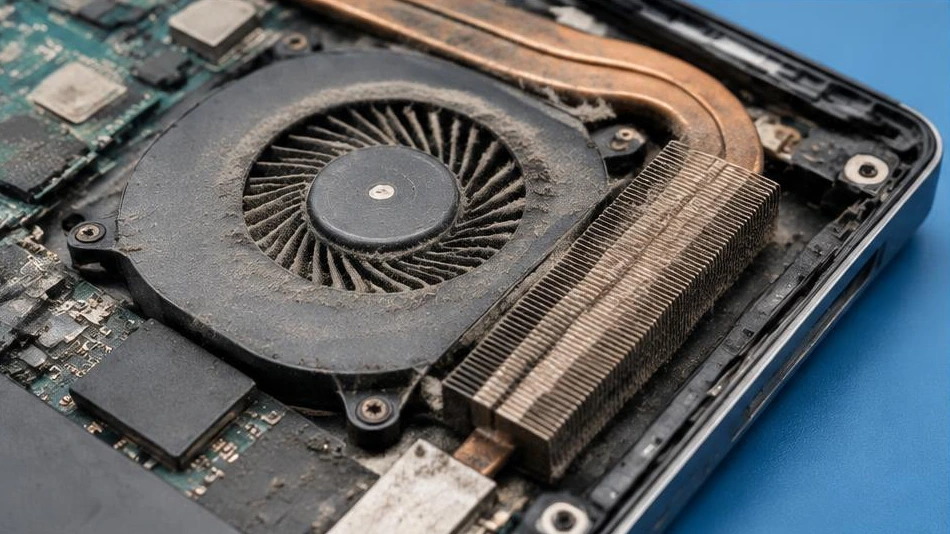
A noisy fan can be normal under heavy load, but persistent heat or sudden shutdowns should not be ignored.
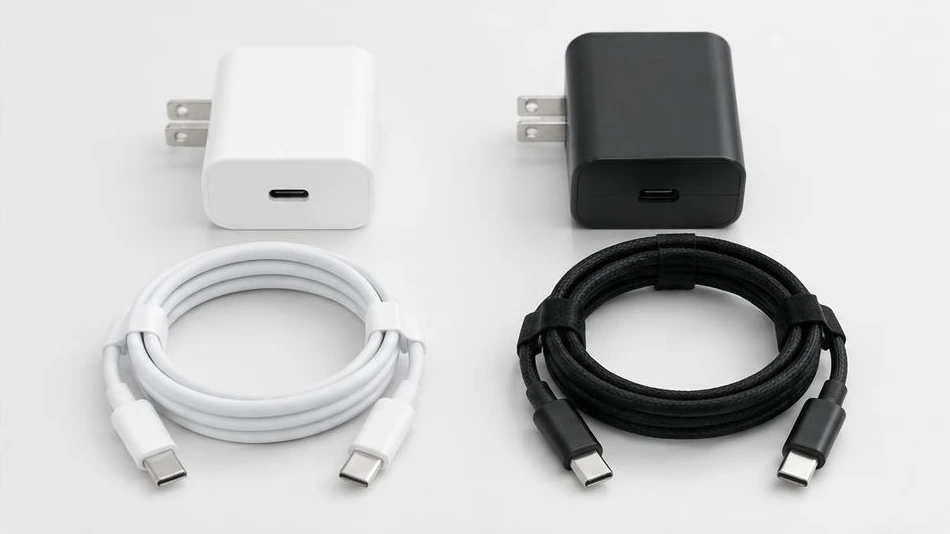
A charger must be compatible and safe, whether it is original or from a reliable third-party brand. The connector alone does not prove compatibility.
When choosing a refurbished laptop, check its actual condition as carefully as its specifications. A spec sheet alone is not enough.
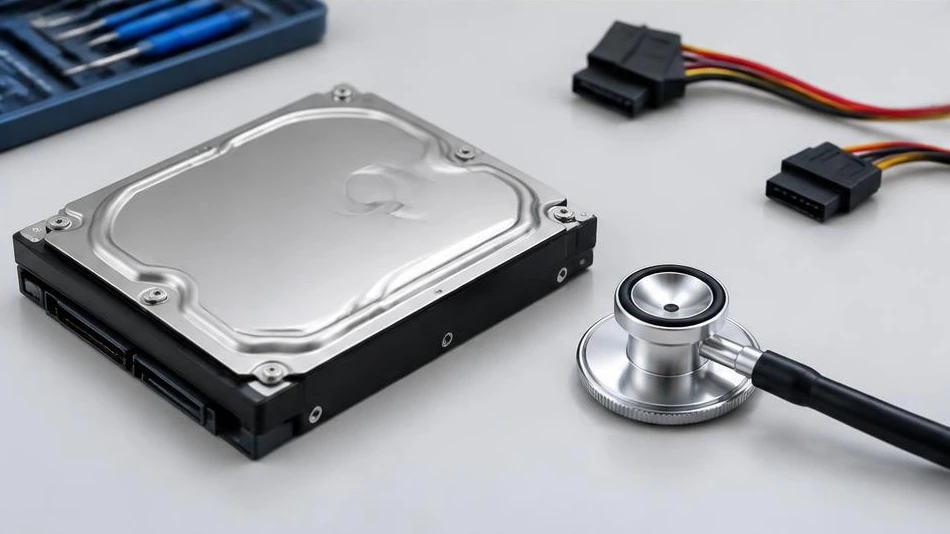
Repeated clicking or scraping noises from a hard drive may signal an impending mechanical failure. Protecting the data is the priority.
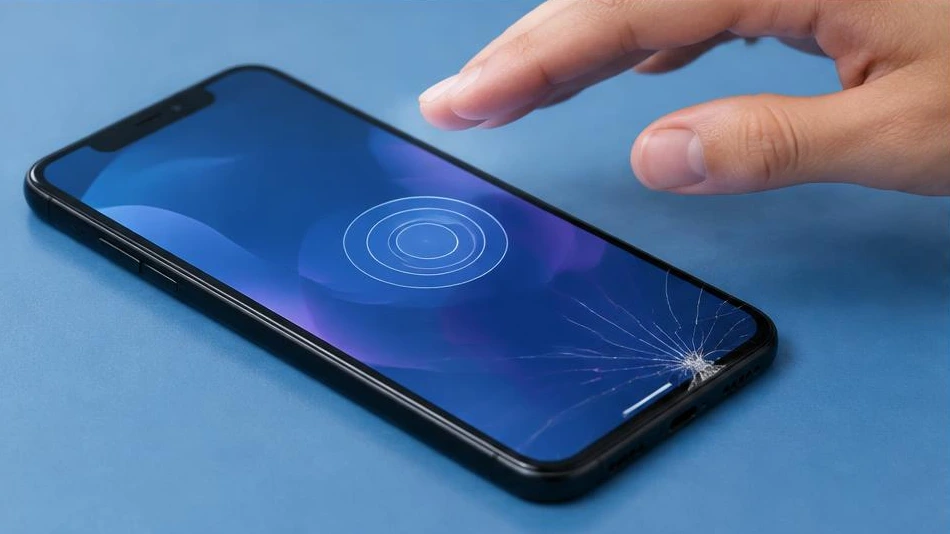
An unresponsive touchscreen may be affected by an accessory, a software issue or hardware damage. Start with the lowest-risk checks.
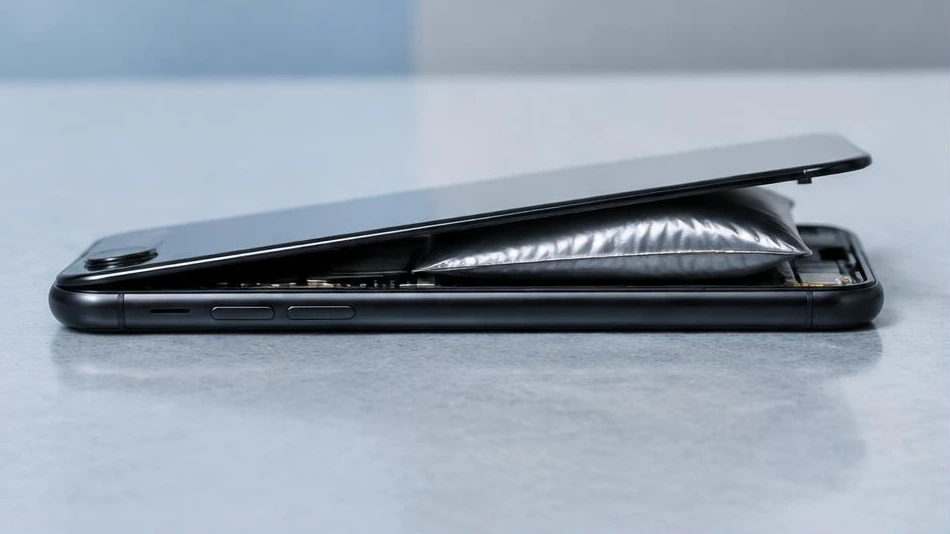
A swollen battery is a safety defect, not just a battery life issue. Stop using and charging the affected device.
A few regular habits can extend the lifespan of a phone and computer. The aim is to limit heat, impacts and data loss.
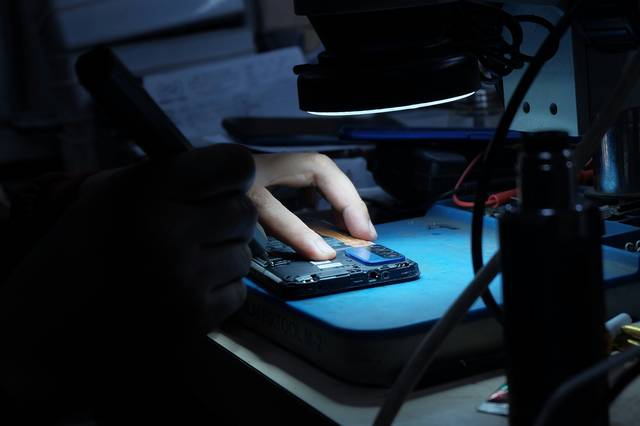
The right steps after a drop: protect yourself from shards, back up your data and prepare for a visit to the workshop.
Shorter battery life, shutdowns, heat: signs to watch for, simple checks and when to have the device examined.
No matching articles at the moment.
Describe the fault to us by phone or WhatsApp, or visit the workshop at 4500 Logs, Ilot A5, Bouinan.