
Lost Data: Mistakes to Avoid When Trying to Recover It
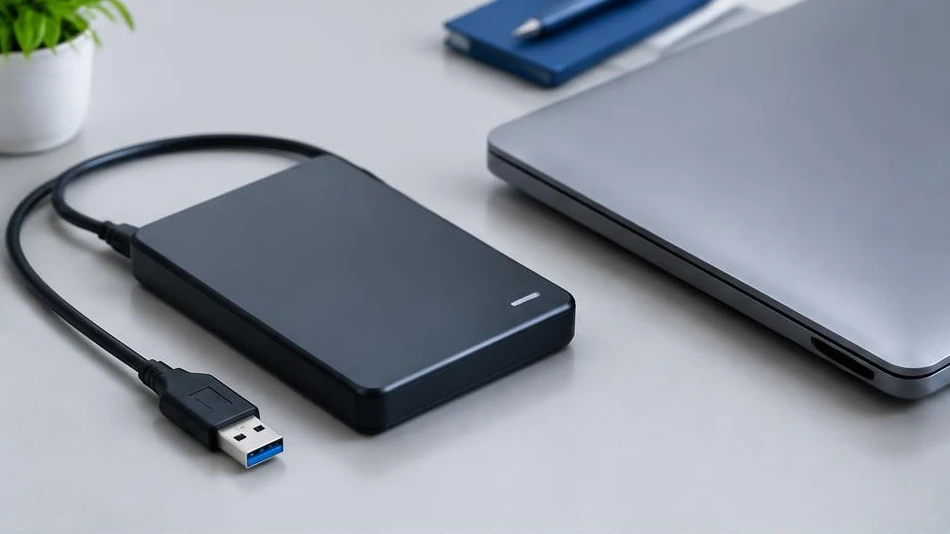
After data loss, some actions reduce the chances of recovery. The right response is to limit writes to the affected storage medium.
Stop writing to the storage medium
Avoid installing recovery software on the drive containing the lost files. Do not copy anything onto it or continue using it as usual. For a system drive, shutting down the computer may prevent further writes. SSDs can quickly erase deleted blocks, which sometimes limits recovery.
Do not format or attempt repairs blindly
A message asking you to format is not a reason to do so. Some repair tools modify the drive's structure and make recovery more difficult. Do not run repeated scans on an unstable storage medium. Unusual noises, disconnections or extreme slowness may indicate a hardware failure.
Identify priority files
First check backups, the recycle bin and synced services. List the important folders for the specialist. In the event of a physical failure, avoid tutorials on opening or freezing the storage medium. A diagnosis clarifies the options and their limitations; neither success nor file integrity can be promised before an examination.
Advice tailored to your device
For a diagnosis, contact Dev-IT Solution, providing the model, symptoms and tests already performed. Back up your data when it is safe to do so. This general advice is not a substitute for examining the device.