
Buying a Refurbished Laptop: A Guide to Making the Right Choice
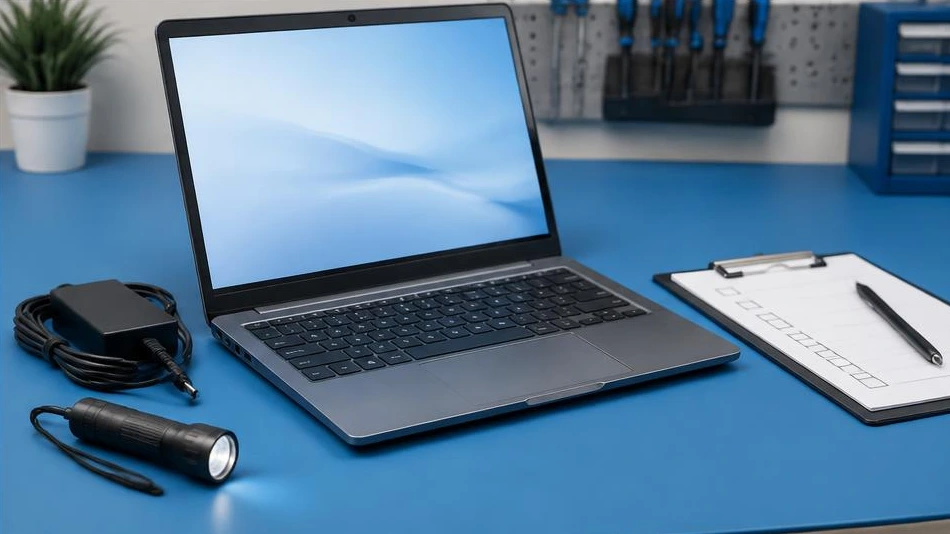
When choosing a refurbished laptop, check its actual condition as carefully as its specifications. A spec sheet alone is not enough.
Test essential functions
Check every key, the touchpad, ports, webcam and sound. Inspect the hinges and chassis. Display a light image followed by a dark one to spot panel defects and abnormal pixels. Check the charger and how the PC behaves on battery power.
Compare relevant specifications
Identify the exact processor model, the amount of RAM and the storage type. An SSD often improves the user experience, but compatibility with the operating system and software remains essential. Ask whether the memory and storage can be upgraded. Assess actual battery life rather than relying on a vague promise.
Safeguard your purchase
Ask for an invoice or proof of sale, along with the warranty and return terms. Check that there is no boot lock or restrictive enterprise management in place. Make sure the installed software is legitimate. An independent inspection is useful if the device shows visible repairs or intermittent symptoms.
Advice tailored to your device
For a diagnosis, contact Dev-IT Solution, providing the model, symptoms and tests already performed. Back up your data when it is safe to do so. This general advice is not a substitute for examining the device.