
Phone Not Charging: Causes and Checks
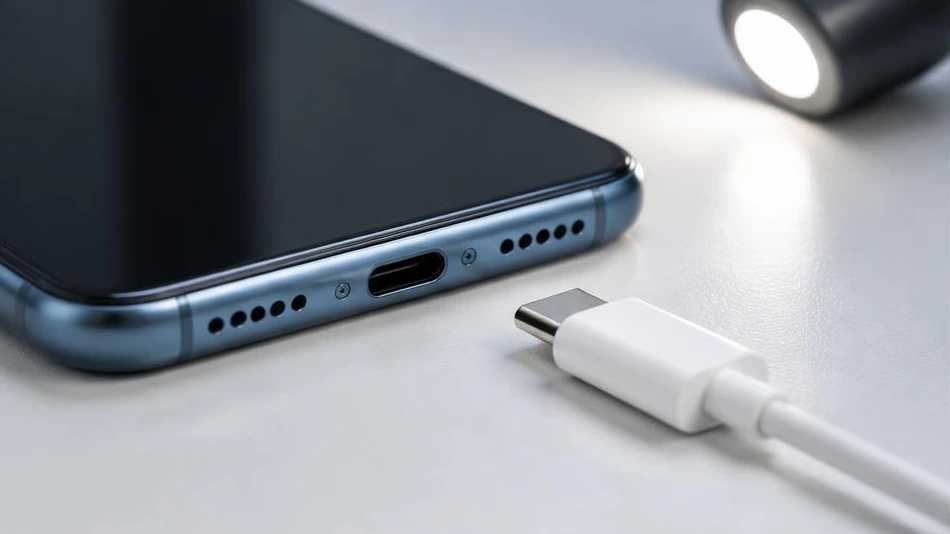
A phone that no longer charges does not necessarily have a faulty battery. Start with simple checks, without forcing the connector.
Check the socket, cable and charger
Try a working wall socket and a compatible cable in good condition. Then test a reliable charger suited to your device. A cable that is bent, has exposed wires or has a plug that gets hot must be replaced. Leave a deeply discharged device plugged in for a few minutes before concluding that it is faulty.
Inspect the port without damaging it
Turn off the phone and examine the connector under a light. Lint can prevent the plug from fitting properly. Do not use metal objects, liquids or excessive force. If the port is bent, corroded or loose, have a professional clean or replace it.
When to request a diagnosis
Charging only in certain positions, repeated interruptions or unusual heating warrant an inspection. If a moisture warning appears, unplug the charger. A swollen battery means you must stop using the device. Diagnosis distinguishes between cable, connector, battery and charging circuit faults before any repair.
Advice tailored to your device
For a diagnosis, contact Dev-IT Solution with the model, symptoms and tests you have already carried out. Back up your data when it is safe to do so. This general advice does not replace an examination of the device.