
Unresponsive Touchscreen: Possible Causes
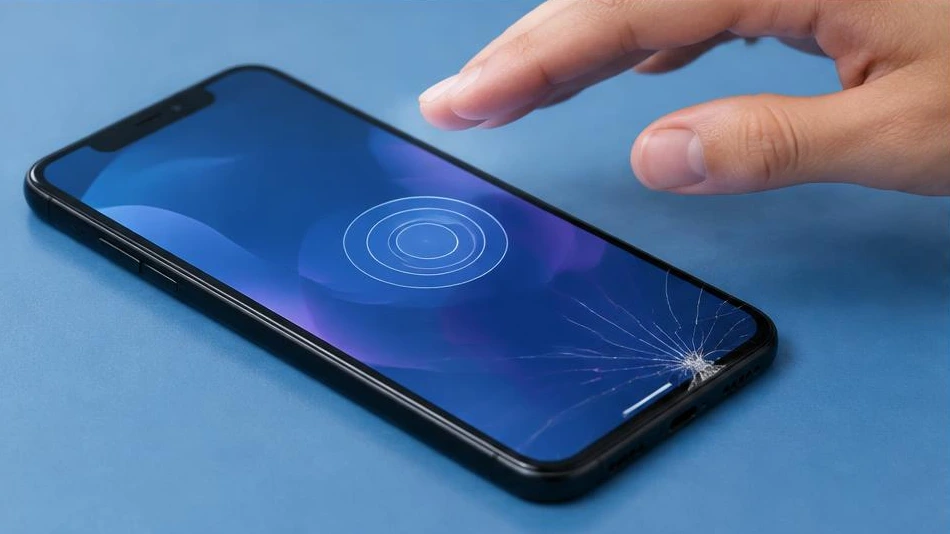
An unresponsive touchscreen may be affected by an accessory, a software issue or hardware damage. Start with the lowest-risk checks.
Clean and remove accessories
Wipe the screen with a soft, dry cloth. Make sure your hands are dry and remove an ill-fitting case or screen protector if doing so will not risk worsening a crack. Unplug the charger to see whether the problem disappears. A poor-quality accessory can interfere with touch response.
Check the software
Restart the device using the method specified for its model. If the screen responds intermittently, back up the data and check for official updates. A consistently unresponsive area or ghost touches after an impact are more likely to indicate a hardware issue. Avoid resetting the device without a backup.
Have the screen assembly checked
A cracked screen, contact with liquid or a deformed casing warrants an examination. If a swollen battery is pushing against the screen, stop using and charging the device immediately. Diagnosis distinguishes between faults in the display panel, connector and touch circuitry. Specify the exact model and circumstances; whether repair or replacement is possible depends on the damage found.
Advice tailored to your device
For a diagnosis, contact Dev-IT Solution with the model, symptoms and tests already carried out. Back up your data when it is safe to do so. This general advice is not a substitute for examining the device.