
Hard drive making noise: stop everything and read this
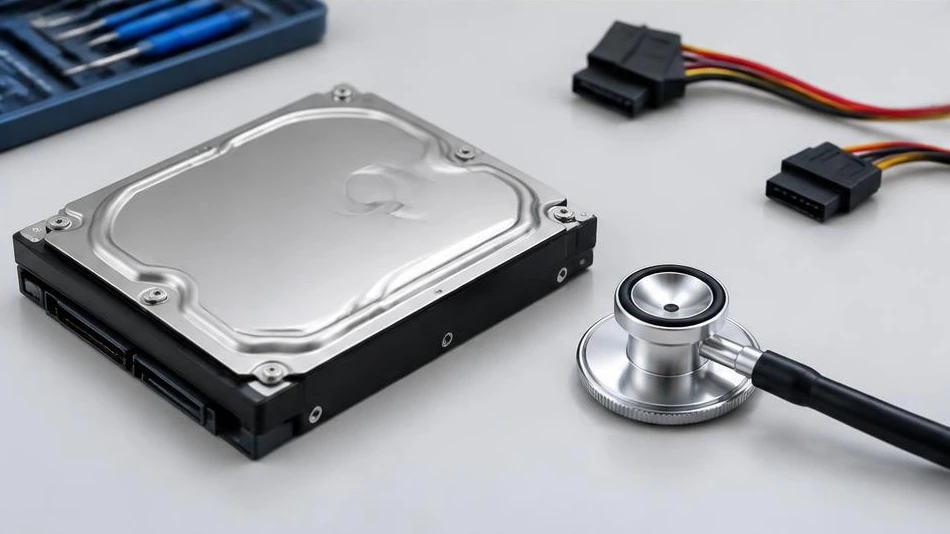
Repeated clicking or scraping noises from a hard drive may signal an impending mechanical failure. Protecting the data is the priority.
Stop repeated attempts
Shut down the computer or safely disconnect the external drive. A drive that clicks and is no longer recognized should not be restarted repeatedly. If the noise comes only from the case or fan, the diagnosis will be different, but when in doubt, it is best to avoid prolonged handling.
Do not open the drive
Do not open the drive cover or touch the platters. Avoid impacts, freezing, and tricks that involve hitting it. A physically failing drive cannot be repaired by reinstalling the system or formatting it. Intensive scans can worsen its condition.
Plan the next steps
Check the available backups and note which folders take priority. A specialist can determine whether recovery requires a suitable environment. Recovery remains uncertain and is distinct from a straightforward PC repair. If the data is important, preserving it must take priority over any attempt to reuse the drive.
Advice tailored to your device
For a diagnosis, contact Dev-IT Solution with the model, symptoms, and any troubleshooting already attempted. Back up your data when it is safe to do so. This general advice does not replace an examination of the device.