
How to back up your photos and documents easily
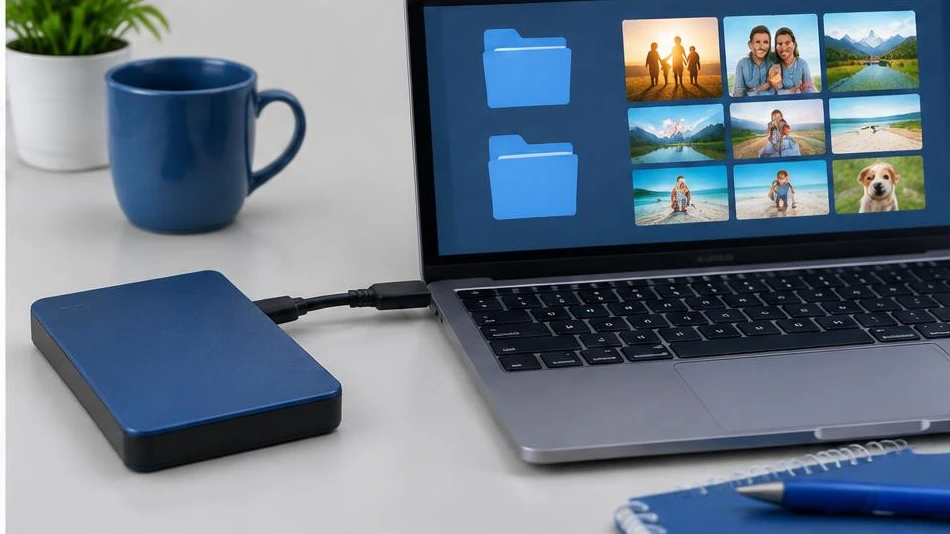
A simple, regular backup offers better protection than a copy made just once. Use several storage media and check that the files are readable.
Choose what to back up
Identify irreplaceable photos, documents, contacts, and projects. Copy them to an external drive or a suitable backup solution. If possible, keep several copies on different storage media, including one separate from the main device. Synchronization alone does not always protect against accidental deletion.
Automate without overlooking security
Schedule regular backups and check failure notifications. Protect cloud accounts with a unique password and a second verification step. Choose encrypted storage for sensitive documents. Disconnect the external drive when it is not in use to limit certain risks.
Test restoration
Open a few files and restore a test folder to another location. Check that new files are actually included. An untested backup may be incomplete. Before changing phones, having a repair done, or reinstalling the system, make a fresh copy and keep the credentials needed to access your accounts.
Advice tailored to your device
For a diagnosis, contact Dev-IT Solution with the model, symptoms, and any troubleshooting already attempted. Back up your data when it is safe to do so. This general advice does not replace an examination of the device.