
Computer Won't Turn On: What Should You Do?
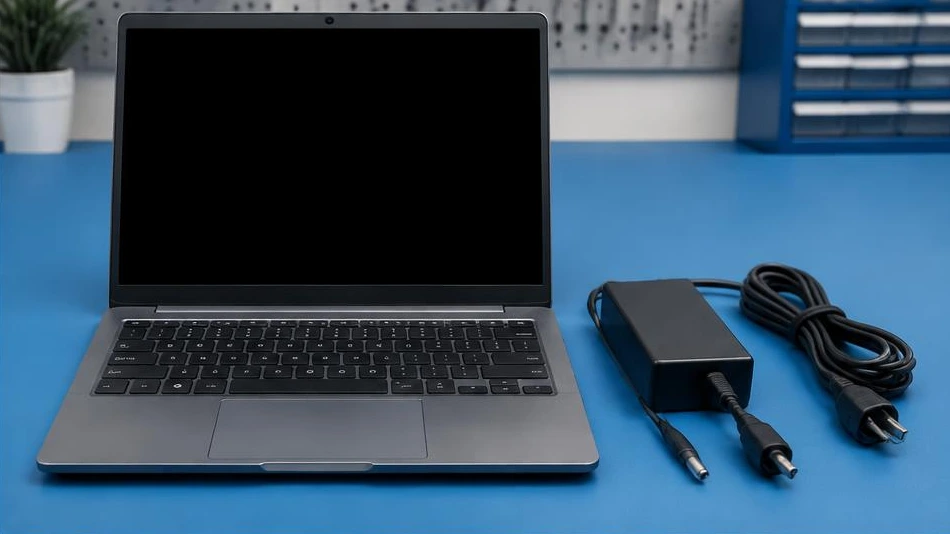
A computer that will not turn on may have a power, display or startup problem. The symptoms guide the initial checks.
Start with the Power Supply
Try another outlet and check the connections. On a laptop, examine the charger and its cable. Disconnect USB accessories. Do not try a random charger: the voltage, power rating and connector must be compatible. A burning smell or a damaged cable means you must stop testing.
Distinguish a Black Screen from No Power
If indicator lights or fans are working, the PC may be receiving power despite a black screen. Check the brightness and, if possible, test an external monitor. Note any flashing lights or beeps. A computer that reaches an error message does not have the same fault as a completely unresponsive device.
Avoid Risky Procedures
Do not dismantle a mains power supply: dangerous voltages may remain. Avoid repeatedly powering on a device after liquid exposure or a short circuit. Have a repair shop diagnose it if external checks fail. Make clear that data recovery is a priority before any system reinstallation.
Advice Tailored to Your Device
For a diagnosis, contact Dev-IT Solution with the model, symptoms and tests you have already carried out. Back up your data when it is safe to do so. This general advice is not a substitute for examining the device.