
Slow Smartphone: How to Speed It Up Without Replacing It
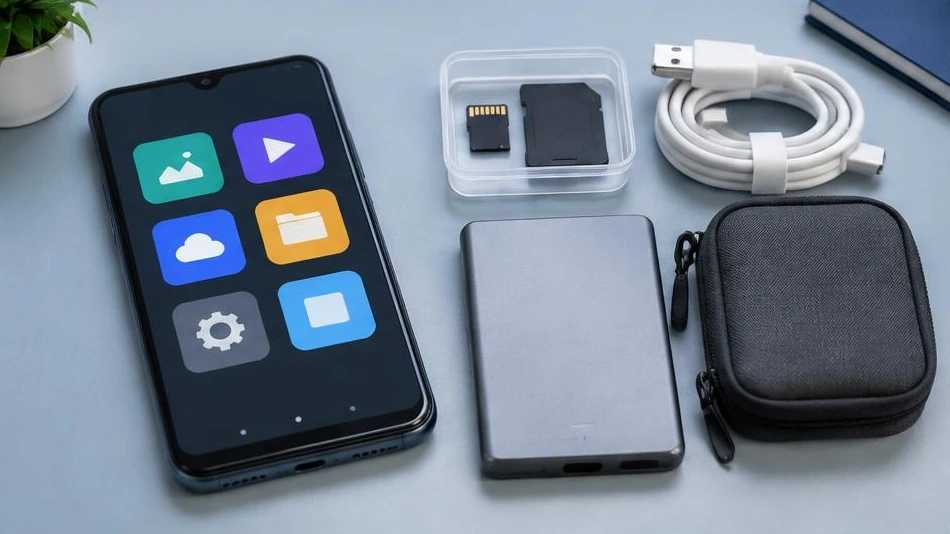
A slow smartphone can become comfortable to use again without being replaced. First, identify what is actually slowing it down.
Free up useful storage space
Check the available space in settings. Delete unnecessary downloads, videos you have already backed up and apps you no longer use. Verify your backup before deleting anything. Nearly full storage can interfere with updates and app performance.
Update and reduce tasks
Restart the phone, then install official system and app updates. Limit apps that run constantly in the background. Avoid miracle cleaning tools: some display lots of ads or request excessive permissions. Compare the device's behaviour after each change.
Distinguish between software and hardware
An ageing battery, overheating or failing storage can also cause slowdowns. A factory reset is a last resort, after backing up and checking that you can access your accounts. If the phone is slow even with few apps, a diagnosis can help assess repair options rather than automatically replacing it.
Advice tailored to your device
For a diagnosis, contact Dev-IT Solution with the model, symptoms and tests you have already carried out. Back up your data when it is safe to do so. This general advice does not replace an examination of the device.