
USB Flash Drive or Memory Card Not Recognized: What Should You Do?
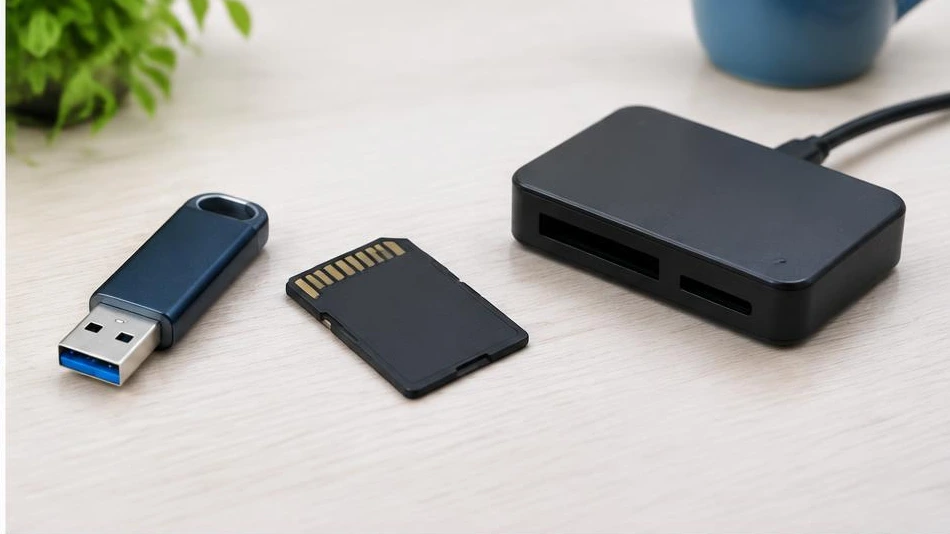
A USB flash drive or memory card that is not recognized is not necessarily empty. Do not format it if it contains important files.
Rule out a connection problem
Try another port without a USB hub, then another compatible card reader. If possible, test it on a second computer. Check the small lock switch on SD cards. Carefully clean only accessible contacts, without scraping them or using an unsuitable liquid.
Inspect without making changes
Disk management software may show a storage medium with no drive letter or an unrecognized format. Do not initialize or format it to make it visible. If a device asks you to format it, cancel. Also check that the card is supported by the device that was using it, particularly its capacity and file system.
Preserve the data
A storage medium that gets hot, disconnects or displays an incorrect capacity may be failing. Avoid repeatedly connecting it or using randomly found tools. Recovery must copy files to another storage medium, never to the faulty one. After recovery, replace unstable storage media and keep several copies of essential files.
Advice tailored to your device
For a diagnosis, contact Dev-IT Solution, providing the model, symptoms and tests already performed. Back up your data when it is safe to do so. This general advice is not a substitute for examining the device.