
Replacing a Hard Drive with an SSD: Is It Worth the Cost?
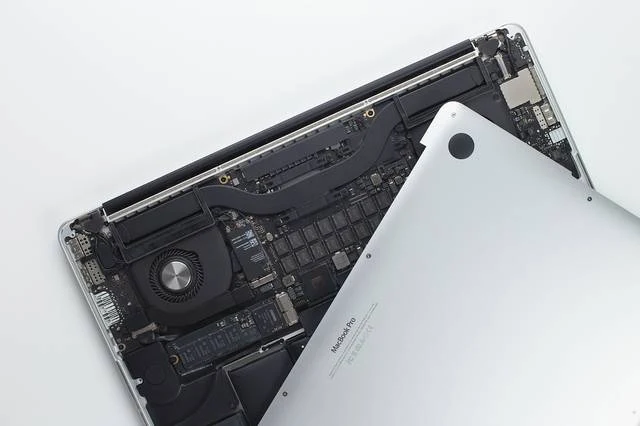
Replacing a mechanical hard drive with an SSD can make a computer much more responsive. Whether it is cost-effective depends on its overall condition and compatibility.
What an SSD Improves
Startup, application loading and transfers can become faster. However, an SSD does not transform an old processor or replace a graphics card suited to gaming. Check that storage really is causing the slowdowns before buying.
Choose a Compatible Model
The 2.5-inch SATA and M.2 formats are not interchangeable in every computer. An M.2 slot may support only a specific protocol. Check the model's specifications and choose a capacity suited to your files. The storage device's quality and warranty matter as much as its advertised capacity.
Prepare for Migration
Back up your data to another storage device before replacement. Cloning can preserve your existing installation, whereas a clean installation requires reinstalling software. If the old drive shows errors or makes noises, prioritize the data over cloning. Weigh the total cost against the condition of the PC's battery, screen and hinges.
Advice Tailored to Your Device
For a diagnosis, contact Dev-IT Solution with the model, symptoms and tests you have already carried out. Back up your data when it is safe to do so. This general advice is not a substitute for examining the device.