
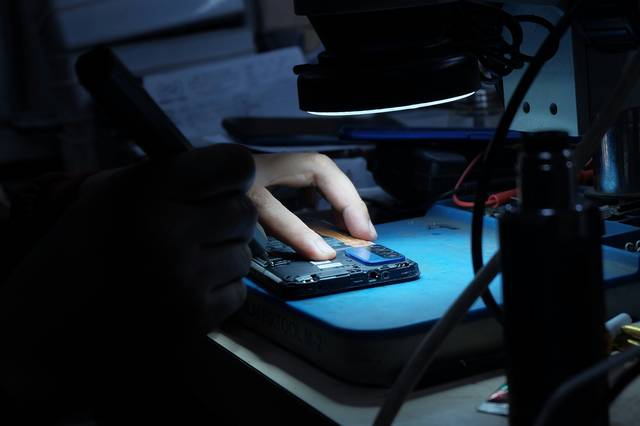
After a drop, the first instinct is often to check whether “it still works.” A few simple steps, in the right order, protect your hands, your phone, and your data. Here is what to do, what to avoid, and how to prepare for the repair.
First steps
- Watch out for glass shards. Cracked glass can cause cuts. If the glass is crumbling, avoid running your finger over it and do not press on the broken areas.
- Contain the cracks if needed. A piece of clear adhesive tape placed over the glass may limit falling shards while awaiting repair.
- Keep the device away from moisture and dust. Damaged glass no longer provides the same protection, and any water resistance the phone may have should no longer be considered assured.
- Do not try to detach the screen or open the phone. You risk making the damage worse, including damage to the battery.
- If the device still responds, back up your data (see below).
What exactly is happening? The most common cases
The glass is cracked, but the display and touch function still work
This is the most favourable situation: the phone remains usable, but a crack tends to spread with handling and temperature changes. It is better not to wait too long. Before worrying, also check that it is not just the screen protector: if the crack disappears to the touch when you run your fingernail over it, the protector may be damaged rather than the glass.
The touch function is not working properly
Touches registering on their own, areas that no longer respond, jerky scrolling: these symptoms can come from a touch surface damaged by impact, even if the glass looks intact.
The screen stays black
There are two situations to distinguish. If the phone vibrates, rings or responds while the screen stays black, it is probably switched on but there is a display problem. If it shows no signs of life, the cause may lie elsewhere: the battery, a connector or the circuit board. In this second case, an examination is essential before drawing any conclusions; the page electronic microsoldering explains this type of work.
Lines, coloured spots or black areas
These display defects often indicate a damaged display panel. They tend to worsen over time, especially if the device continues to be used.
After a severe impact, other components may also have been damaged. If you then notice shutdowns, abnormal heating or other unusual behaviour, read our article on the signs that a battery needs replacing.
Protecting your data before repair
A screen repair is not intended to affect your files, but a backup remains the only real protection, whatever work is being done.
- If the phone still responds : start a backup to the cloud linked to your account (Google, iCloud or the manufacturer's account), or copy your photos and documents to a computer using a cable.
- Remember your messaging apps : some apps have their own backups, which need to be checked separately.
- If the screen no longer responds at all : do not keep trying repeatedly. Let the workshop know before handing over the device, specifying what matters most to you.
If the phone no longer turns on and its files are important, a different approach is needed: see the page data recovery.
Preparing for your visit to the workshop
- Note down the phone's brand and exact model.
- Explain what happened: a fall, an impact or contact with liquid, and when it happened.
- Remove the case and, if possible, the damaged screen protector.
- Ask the workshop how to handle unlocking the device if a test is needed. Never share the passwords for your banking or messaging accounts.
What is best avoided
- Heating the screen (with a hairdryer or heat source) to “stick” anything back together.
- Cleaning with a liquid that could seep through the cracks.
- Continuing to use the device for weeks with glass that is crumbling.
- Twisting or pressing the phone to test whether the screen responds.
When should you have it repaired?
As soon as the glass starts crumbling, the touch function becomes unreliable or the display is disrupted. At the Dev-IT Solution workshop in Bouinan, we examine the phone, then explain the fault to you. Diagnosis is chargeable; for a smartphone, contact us to find out the fee. The repair price depends on the model and is communicated to you before any work begins. Details are on the page Smartphone screen repair.
Does the screen always need replacing?
Not necessarily. A cracked screen protector can simply be replaced without touching the screen, and some symptoms (a black screen or erratic touch response) may have another cause. That is why it is worth having the device examined before deciding.
Unsure about my smartphone screen?
Call us, message us on WhatsApp or visit the workshop: 4500 Logs, Ilot A5, Bouinan, Blida.