
Smartphone Dropped in Water: Steps to Save the Device
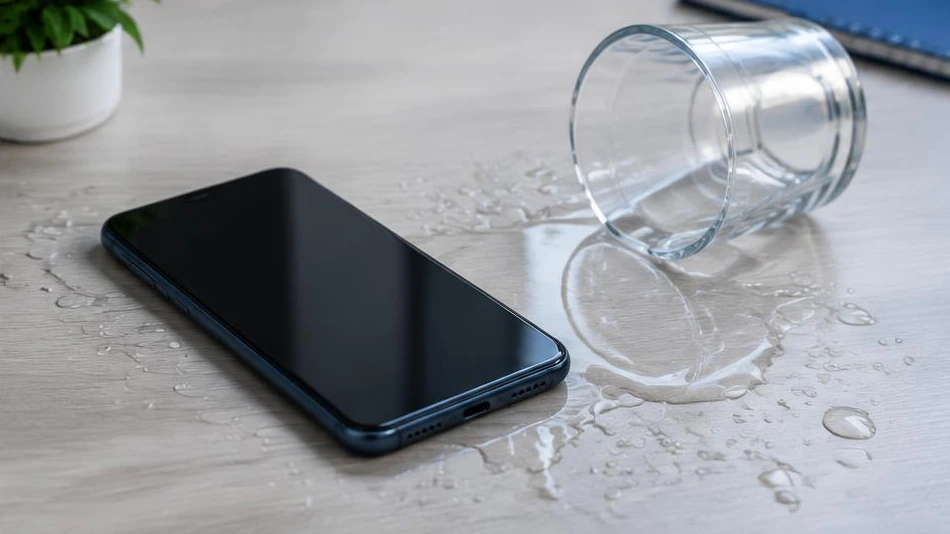
After contact with water, the priority is to cut off the power. Turning the device back on too soon can worsen electrical damage.
First steps
Remove the phone from the water, unplug any cables and turn it off if this can be done safely. Remove the case and wipe the outside with a dry cloth. Remove the SIM card if its tray is accessible. Do not try to charge the device, even if the screen still works.
Why to avoid rice and heat
Rice does not remove residue or corrosion inside the phone. Its dust can also enter the connectors. Avoid hair dryers, ovens, radiators and shaking the device. A water-resistance certification does not guarantee lasting protection, especially after an impact or repair.
Have the device checked promptly
Salt water or sugary water leaves particularly problematic deposits. A professional can open the device, isolate the battery and examine the circuits. Report the liquid involved, the duration of exposure and any tests already carried out. Specify whether your data is the priority: no recovery can be guaranteed remotely.
Advice tailored to your device
For a diagnosis, contact Dev-IT Solution with the model, symptoms and tests you have already carried out. Back up your data when it is safe to do so. This general advice does not replace an examination of the device.