
Why a device no longer turns on: understanding motherboard failure
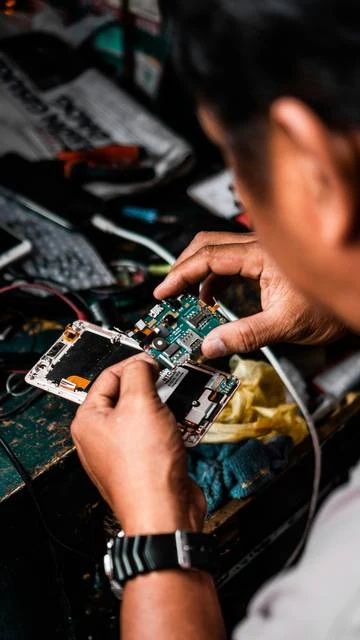
The motherboard connects a device’s power supply and main components. A fault at this level requires diagnosis, as the symptoms can have several causes.
What the fault can cause
Failure to start, abnormal power consumption, or a sudden shutdown may stem from the power supply, a component, or a damaged circuit trace. The charger, battery, and screen must be checked before concluding that the motherboard has failed. One symptom alone is not enough.
Liquid, impact, and short circuits
Oxidation, a damaged connector, or a faulty component can stop the device from working. After liquid exposure or a burning smell, avoid powering the device on again. Blind testing and improvised jumper connections can further damage the circuit and complicate data recovery.
Understanding the diagnosis
A workshop checks the power supply lines and locates the fault using suitable instruments. Depending on the damage, a targeted repair may be possible, but it is not always cost-effective. Ask what has been identified and about the terms of the work. Replacing the motherboard may affect access to encrypted data; explain its importance before any decision is made.
Advice tailored to your device
For a diagnosis, contact Dev-IT Solution with the model, symptoms, and any troubleshooting already attempted. Back up your data when it is safe to do so. This general advice does not replace an examination of the device.