
A phone that loses charge faster than before does not necessarily need a battery replacement. But certain signs, when they occur together, warrant an examination. Here is how to spot them, what you can check yourself and when to visit a workshop.
Why does a battery wear out?
Smartphones use lithium-ion batteries. Over time and with charging cycles, they gradually lose their ability to store energy, as well as their ability to deliver a high current when the phone needs it. Apple describes this as normal chemical ageing: the battery is a component that wears out, and replacing it is part of a phone's life.
Heat accelerates this ageing. Leaving your phone in direct sunlight or in a very hot place for long periods is not ideal for the battery.
Signs of an ageing battery
Abnormally short battery life
Compare with your usual habits: if your phone used to last all day and now needs plugging in halfway through the afternoon with the same use, that is a clear sign. One bad day proves nothing; observe it over a week instead.
Unexpected shutdowns
The phone switches off while still showing remaining charge, often in cold weather or when launching a demanding app. An ageing battery may struggle to supply the required power at the right moment; on iPhone, Apple explains that the device then deliberately shuts down to protect its components.
Spontaneous restarts
These mainly occur when the device is under load (taking photos, gaming or GPS navigation). Note: a software problem can cause the same symptom, so this alone is not enough to draw a conclusion.
Unusual heating
A phone that is abnormally hot while idle or during normal charging may have a battery issue, but it could also be caused by a stuck app or a charging problem. If the heating is accompanied by swelling, refer to the precautions below.
Battery or another fault: how to avoid a mistaken conclusion
Several situations mimic a worn-out battery:
- A recent update : background activity may be more intense for a few days, temporarily reducing battery life.
- A power-hungry app : the per-app usage list in the battery settings highlights it.
- A weak network signal : a phone constantly searching for a signal uses more power.
- Erratic charging : this often comes from the cable, charger or charging port, not necessarily the battery.
- Display settings : high brightness significantly reduces battery life.
That is why an inspection is better than deciding on a replacement based on a “hunch”.
Initial checks you can do yourself
- Restart the phone and install any pending updates.
- Open the battery settings and check for any app using an unusually high amount of power.
- On iPhone, check the battery health section: it shows the maximum capacity compared with a new battery. On Android, some manufacturers provide a diagnostic tool in the settings or through a dedicated app; its availability depends on the brand and model.
- If charging is unreliable, try another cable and another charger in good condition.
- Note what you observe (when the phone shuts down and under what conditions). This information is very helpful for diagnosis.
Precautions to follow
- Avoid leaving or charging the phone in a very hot place, including in direct sunlight.
- Use cables and chargers that are in good condition and suitable for your device.
- Never puncture, crush or heat a battery, and do not try to open the phone yourself.
When to have the device checked
- Repeated shutdowns or restarts.
- A significant, lasting reduction in battery life despite the checks above.
- Recurring abnormal heating.
- Any visible swelling.
- Charging that does not work or is intermittent.
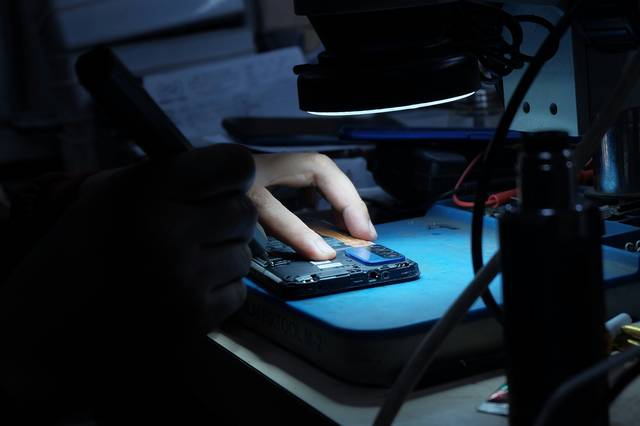
At the Dev-IT Solution workshop in Bouinan, we examine the phone to distinguish a battery problem from another cause, then explain the fault to you. Diagnosis is charged; for a smartphone, contact us to find out the fee. You are informed of the price of any potential repair before we carry it out. Details are on the page Smartphone battery replacement.
Is a replacement always necessary?
No. An update, a faulty app or a worn cable can sometimes be enough to explain the problem. Conversely, when symptoms persist after these checks, replacement often becomes the logical solution. The point of an inspection is precisely to find this out before spending money.
Further reading
Apple explains battery ageing and shutdown management in detail on its page iPhone battery and performance (in English).
Unsure about my smartphone battery?
Call us, message us on WhatsApp or visit the workshop: 4500 Logs, Ilot A5, Bouinan, Blida.