
Phone Getting Hot: When Should You Worry?
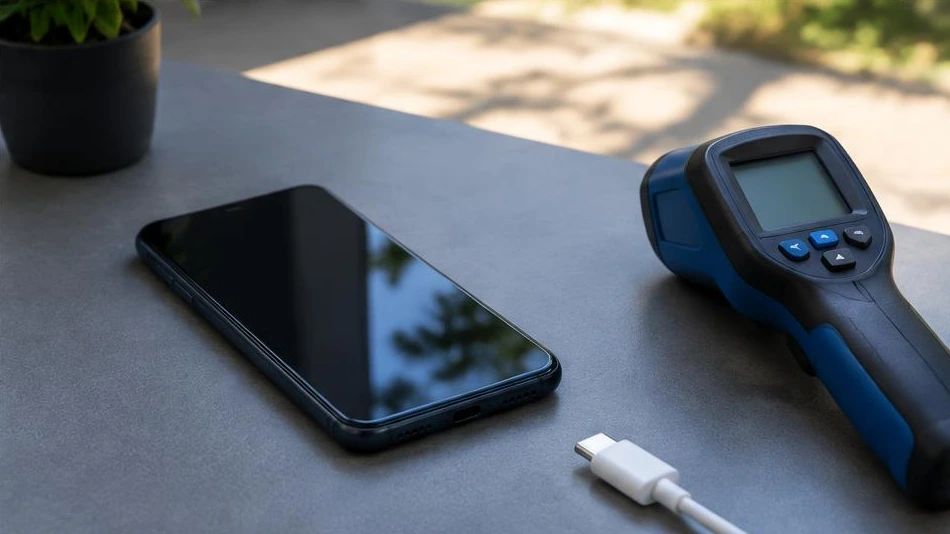
A phone can become warm while charging, gaming or using GPS navigation. Excessive or persistent heat deserves closer attention.
Identify the circumstances
Note whether the phone heats up while charging, using a particular app or even when idle. Sunlight, poor network reception and several simultaneous tasks can raise the temperature. Close demanding apps and let the phone cool down in a ventilated place away from sunlight.
Respond without creating another risk
Stop charging if the device becomes unusually hot. Do not use ice, a refrigerator or liquids to cool it: condensation can damage it. Inspect the charger and cable, then check updates and battery usage in settings.
Recognise the warning signs
A casing that is lifting, a swollen battery, an unusual smell or repeated thermal shutdowns mean you must stop using the device. Never puncture the battery. If there is smoke, move away and contact emergency services. For recurring heat with no obvious cause, have the battery and charging circuit checked.
Advice tailored to your device
For a diagnosis, contact Dev-IT Solution with the model, symptoms and tests you have already carried out. Back up your data when it is safe to do so. This general advice does not replace an examination of the device.